
06 April, 2023
|
Formuler Z7 Manual Settings New
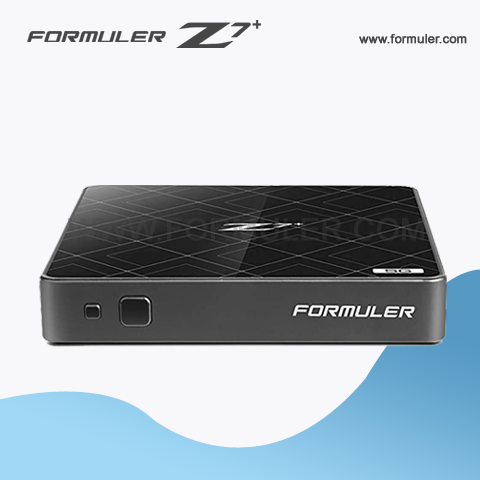
The Formuler Z7 is an IPTV set-top box that runs on the Android operating system. Here are some manual settings that you can configure on the device
1. Network Settings:
- Go to the "Settings" app on the Formuler Z7 and select "Network & Internet"
- Choose "Ethernet" or "Wi-Fi" depending on your connection type and configure the appropriate settings such as IP address, subnet mask, gateway, and DNS servers.
2. Display Settings:
- Open the "Settings" app on the Formuler Z7 and select "Display"
- You can adjust the resolution, screen size, refresh rate, and other settings to optimize the display for your TV.
3. Audio Settings:
- Open the "Settings" app on the Formuler Z7 and select "Audio"
- You can configure settings such as volume, audio mode, and output format.
4. Parental Control Settings:
- Open the "Settings" app on the Formuler Z7 and select "Parental Controls"
- You can set a PIN to restrict access to certain channels or content.
5. IPTV Settings:
- Open the "MyTVOnline" app on the Formuler Z7
- Navigate to "Settings" and select "General"
- Here you can configure settings such as server URL, portal URL, and channel order.
These are just some of the manual settings that you can configure on the Formuler Z7. The exact steps may vary depending on the firmware version and the specific settings you want to configure. It's always a good idea to consult the user manual or contact the manufacturer for further assistance.
Related Products
- 0 Comment(s)




Recent Posts




