
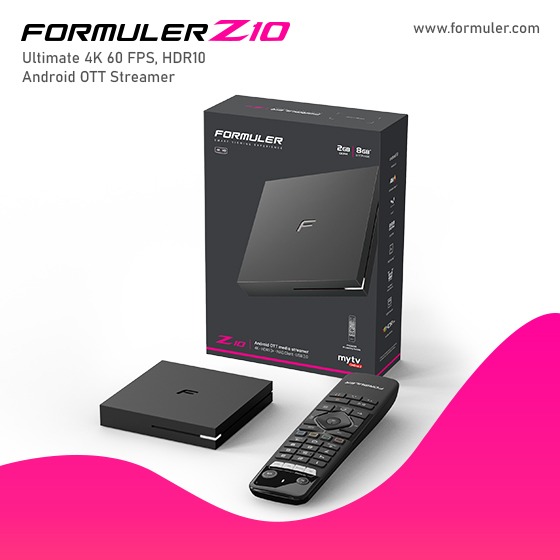
Formuler Z10 Pro IPTV Top Providers and Setup Instructions

The Formuler Z10 Pro IPTV guide and popular IPTV providers
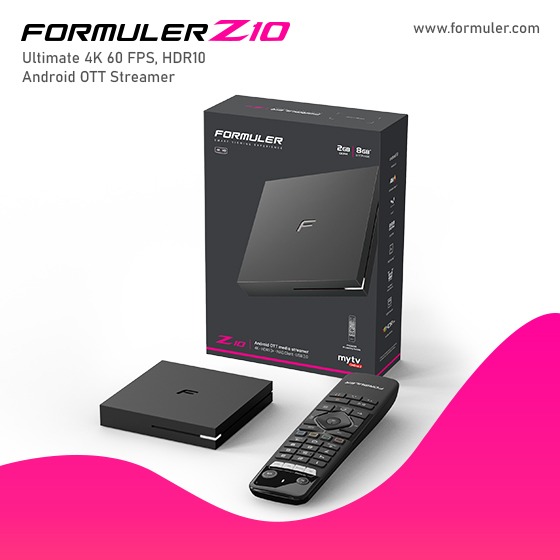
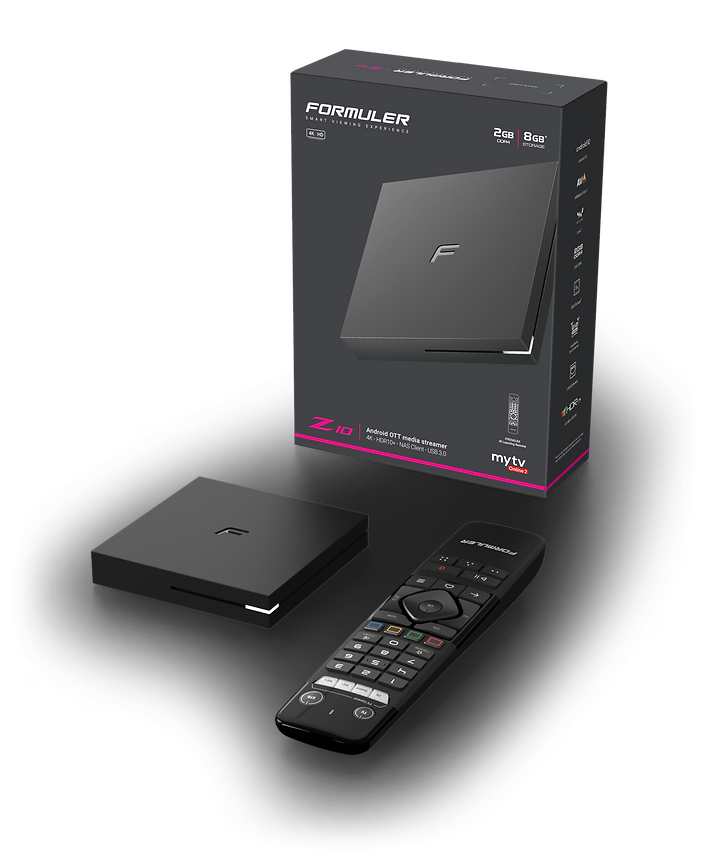
Formuler Z10 Pro IPTV Guide: The Formuler Z10 Pro is a powerful IPTV set-top box that offers a wide range of features and functionalities. It runs on the Android operating system and provides a user-friendly interface for accessing and streaming IPTV content. The device supports various IPTV applications and allows you to watch live TV, on-demand movies and shows, and other multimedia content through IPTV services.
To set up the Formuler Z10 Pro for IPTV, follow these general steps:
- Connect the device to your TV using an HDMI cable.
- Connect the device to the internet via Ethernet or Wi-Fi.
- Power on the Formuler Z10 Pro and follow the on-screen instructions to set up the initial settings.
- Install IPTV applications from the Google Play Store or use the pre-installed IPTV app.
- Configure the IPTV app by entering the necessary information provided by your IPTV service provider, such as the server URL, username, and password.
- Once the setup is complete, you can start accessing and streaming IPTV content on your Formuler Z10 Pro.
The specific steps and instructions may vary depending on the IPTV application you choose and the requirements of your IPTV service provider. Always refer to the user manual or contact customer support for detailed setup instructions.
Formuler Z10 Pro IPTV Providers: There are numerous IPTV providers available, offering different channel packages, video-on-demand content, and subscription plans. Here are some popular IPTV providers that you can consider for the Formuler Z10 Pro:
- IPTV Subscription: Offers a wide range of IPTV channels from various countries and regions. They provide subscription plans for different durations, including monthly, quarterly, and yearly options.
- Helix IPTV: Known for its extensive channel lineup and reliable service. Helix IPTV offers high-quality streams, electronic program guide (EPG) support, and multiple device compatibility.
- Epicstream IPTV: Offers a premium IPTV experience with HD channels, 24/7 customer support, and a user-friendly interface. They provide different subscription packages to suit various viewing preferences.
- Vader Streams: Known for its extensive sports coverage and international channel options. Vader Streams offers reliable streaming and supports multiple devices, including the Formuler Z10 Pro.
- Beast TV: Offers a variety of channel packages, including sports, entertainment, news, and more. Beast TV provides a user-friendly interface and supports multiple streaming devices.
Research and compare different IPTV providers to find the one that best suits your preferences and budget. Additionally, ensure that the IPTV provider you choose is compatible with the Formuler Z10 Pro and supports the necessary streaming protocols.
Related Products
- 0 Comment(s)




Recent Posts




