
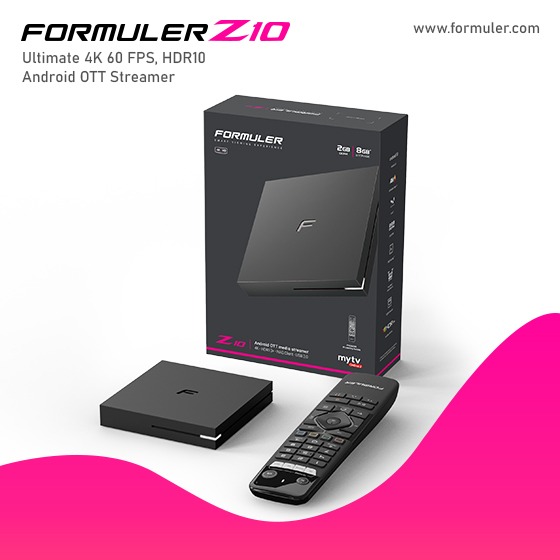
Formuler Z10 Pro New remote control setup 2023
To set up the remote control for the Formuler Z10 Pro, please follow these steps:
1. Ensure that the Formuler Z10 Pro device is powered on and connected to your TV or display.
2. Take the remote control and insert the batteries into the battery compartment. Make sure to match the polarity (+/-) correctly.
3. Point the remote control towards the Formuler Z10 Pro device.
4. The remote control should automatically pair with the device. If it doesn't pair automatically, you may need to manually pair the remote control by following these steps:
a. Press and hold the "OK" button and the "Power" button simultaneously for a few seconds.
b. The LED light on the remote control will start flashing, indicating that it's in pairing mode.
c. On the Formuler Z10 Pro device, navigate to the "Settings" menu using the on-screen interface or any alternative remote control you may have.
d. In the "Settings" menu, look for the "Remote Control" or "Pair Remote" option and select it.
e. Follow the on-screen instructions to complete the pairing process. Typically, you may need to press a specific button or enter a pairing code displayed on the screen.
5. Once the remote control is paired successfully, test its functionality by navigating through the Formuler Z10 Pro interface, accessing menus, and controlling playback.
If you encounter any issues during the setup process or the remote control doesn't respond as expected, you may need to refer to the user manual provided with the Formuler Z10 Pro or contact the manufacturer's customer support for further assistance.
Related Products
- 0 Comment(s)




Recent Posts




