
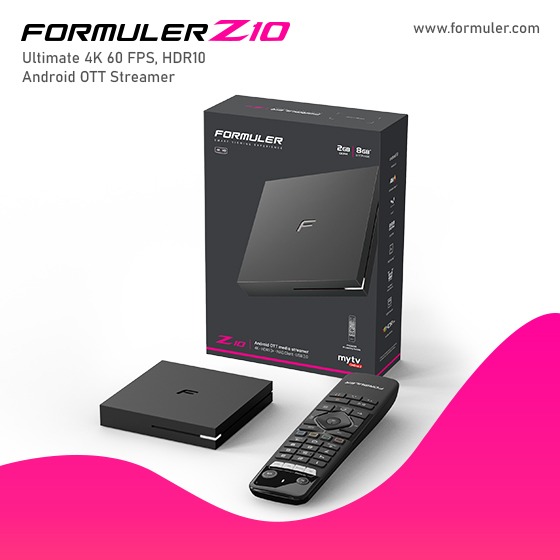
Formuler Z10 Pro Not Connecting to Wifi
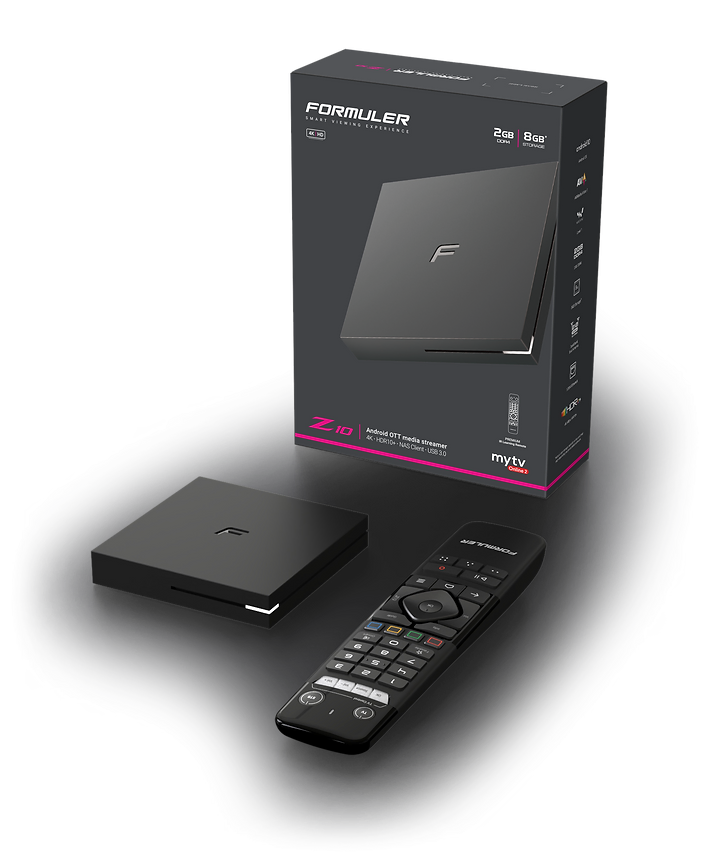
Formuler Z10 Pro is a powerful IPTV set-top box that allows you to stream media content directly to your TV. Here's how you can connect and set up the Formuler Z10 Pro with your TV and network:
Connecting Formuler Z10 Pro to your TV:
- Ensure that your TV is turned off.
- Using an HDMI cable, connect one end to the HDMI output port on the Formuler Z10 Pro.
- Connect the other end of the HDMI cable to an available HDMI input port on your TV.
- Turn on your TV and select the corresponding HDMI input source using your TV remote.
Setting up the network on Formuler Z10 Pro:
- From the main menu of the Formuler Z10 Pro, go to "Settings."
- Select "Network & Wi-Fi" or "Network Settings" (exact naming may vary).
- Choose the network connection type: wired or wireless.
Wired network setup:
- If you have an Ethernet cable, connect one end to the Ethernet port on the Formuler Z10 Pro.
- Connect the other end of the Ethernet cable to your router or modem.
- The Formuler Z10 Pro should automatically detect the wired connection and establish a network connection.
Wireless network setup:
- Select "Wi-Fi" from the network settings menu.
- Choose your Wi-Fi network from the available list of networks.
- If your network is password-protected, enter the Wi-Fi password using the on-screen keyboard.
- Once the correct password is entered, the Formuler Z10 Pro will attempt to connect to the Wi-Fi network.
After completing the network setup, your Formuler Z10 Pro will be connected to the internet and ready to stream content. You can now enjoy various IPTV services and applications available on the device.

Related Products
- 0 Comment(s)




Recent Posts




