
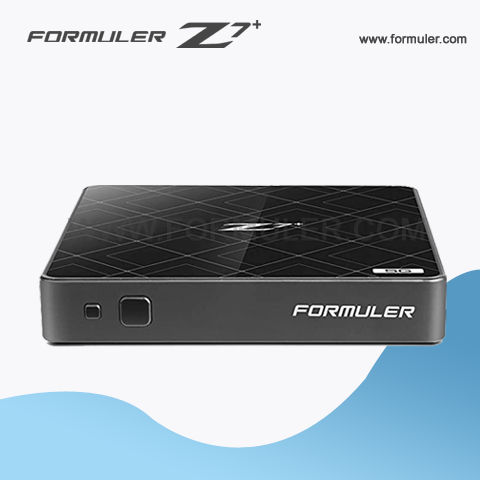
Formuler Z7+ Manual 2023
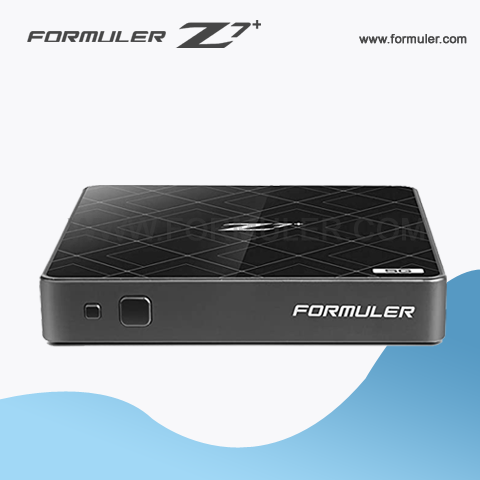
The Formuler Z7+ is an IPTV set-top box that offers a wide range of features and functions to enhance your viewing experience. Here are some additional tips and tricks to help you get the most out of your device:
- Configuring your network settings: Before you can start using your Formuler Z7+, you need to configure your network settings. To do this, go to Settings > Network and select your connection type. You can choose between Wi-Fi or Ethernet, and then enter your network details.
- Customizing your home screen: The Formuler Z7+ allows you to customize your home screen with your favorite apps and shortcuts. To do this, go to Settings > Home Screen and select the apps you want to add to your home screen.
- Using the EPG: The Electronic Program Guide (EPG) allows you to see what's on TV and plan your viewing schedule. To access the EPG, press the EPG button on your remote control or navigate to the EPG icon on the home screen.
- Recording and time-shifting: The Formuler Z7+ allows you to record and time-shift live TV. To record a show, press the Record button on your remote control. To time-shift, press the Pause button to pause live TV, and then press Play to resume watching.
- Installing third-party apps: The Formuler Z7+ supports the installation of third-party apps from the Google Play Store. To install an app, go to the Play Store app on your home screen, search for the app you want, and then click Install.
- Using voice search: The Formuler Z7+ allows you to use voice search to find content. To use voice search, press the microphone button on your remote control and speak your search query.
- Troubleshooting: If you experience any issues with your Formuler Z7+, try restarting the device by unplugging it and then plugging it back in. If the issue persists, you can contact customer support for assistance.
By following these tips and tricks, you can make the most of your Formuler Z7+ and enjoy a seamless viewing experience.
Related Products
- Comment(s)




Recent Posts




