
How to search for a channel? - Formuler Z7+ Channels
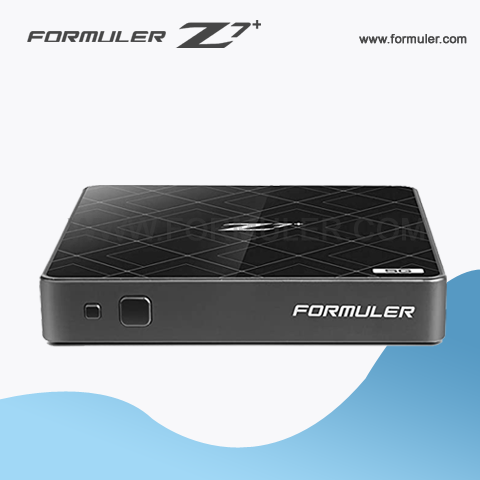
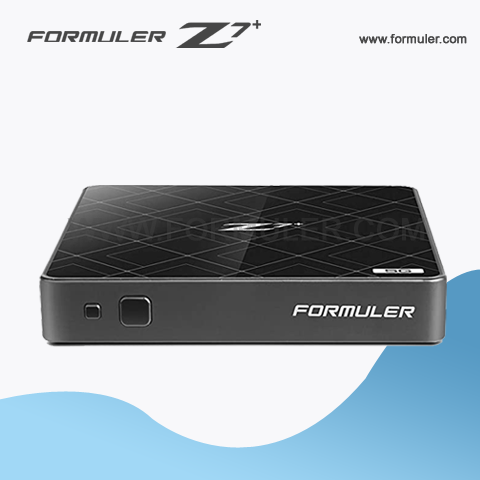
- The Formuler Z7+ is an IPTV set-top box that allows you to stream television content over the internet. It supports a variety of streaming services, including IPTV, OTT, and VOD services. It also supports popular streaming protocols such as HTTP, HLS, and MPEG-DASH.
- To access channels on the Formuler Z7+, you will need to subscribe to an IPTV service that provides access to the channels you are interested in. IPTV services provide access to live TV channels, as well as on-demand content such as movies and TV shows.
- There are many IPTV services available, and the channels they offer can vary widely. Some IPTV services offer a wide range of channels from around the world, while others may focus on specific regions or genres.
- To find an IPTV service that provides the channels you are interested in, you can search online for reviews and recommendations. You can also ask for recommendations from other Formuler Z7+ users on forums or social media groups.
- Once you have subscribed to an IPTV service, you can easily access the channels on your Formuler Z7+ by using the built-in EPG (Electronic Program Guide) or by browsing through the available channels in the IPTV app.
Related Products
- Comment(s)




Recent Posts




