

Formuler Z7 Plus Remote Control Setup and Manual

The instructions for setting up the remote control for Formuler Z7 Plus:
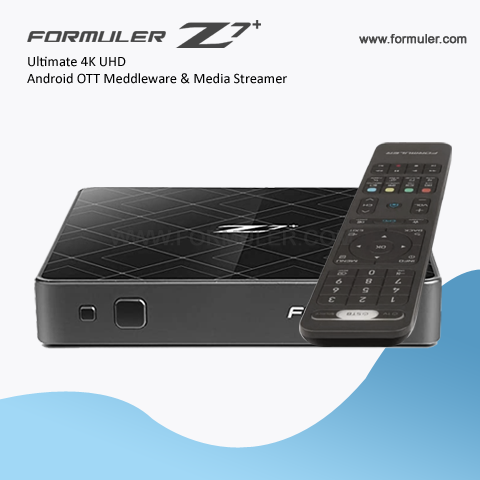
- Insert batteries into the remote control. The remote control requires two AAA batteries.
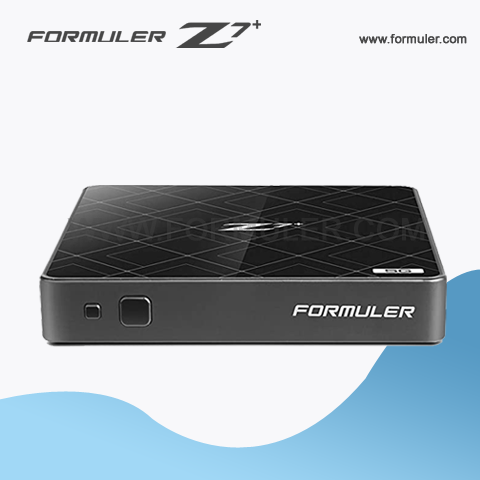
- Turn on the Formuler Z7 Plus by pressing the power button on the front panel of the device.
- Aim the remote control at the Formuler Z7 Plus and press the "OK" button.
- The Formuler Z7 Plus should now recognize the remote control.
If the remote control does not work after following these steps, try resetting the remote control by following these steps:
- Press and hold the "OK" button and the "back" button on the remote control at the same time for five seconds.
- The LED light on the remote control should blink three times, indicating that the remote control has been reset.
- Try setting up the remote control again by following the steps above.
Some additional tips for using the Formuler Z7 Plus remote control:
- Press the "TV" button on the remote control to switch between controlling the Formuler Z7 Plus and controlling your TV.
- Press the "VOL+" and "VOL-" buttons to adjust the volume of the Formuler Z7 Plus.
- Press the "CH+" and "CH-" buttons to change channels on the Formuler Z7 Plus.
- Use the arrow buttons to navigate through menus and select options.
- Press the "menu" button to access the main menu of the Formuler Z7 Plus.
- Press the "home" button to go back to the home screen of the Formuler Z7 Plus.
Related Products
- Comment(s)




Recent Posts




