
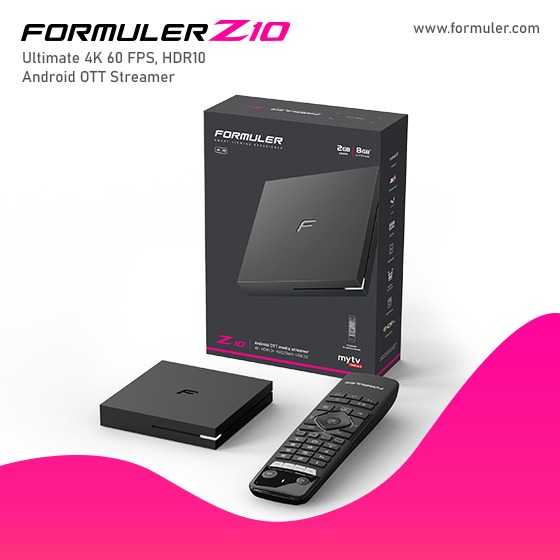
Formuler Z10 Pro Channel Editor, Scanning, and Settings Guide 2K23

The Formuler Z10 Pro is an Android-based IPTV set-top box that offers various features for managing channels
- Formuler Z10 Pro Channel Editor: The Formuler Z10 Pro provides a channel editor that allows you to organize and customize your channel list. With the channel editor, you can rename channels, create favorite lists, delete channels, and arrange the channel order according to your preferences. This feature gives you control over the layout and organization of your channels.
- Formuler Z10 Pro Channel Scan: The channel scan feature on the Formuler Z10 Pro enables you to scan for available channels on your IPTV service. By initiating a channel scan, the set-top box will search for new channels and add them to your channel list. This process ensures that you have an up-to-date and comprehensive list of available channels.
- Formuler Z10 Pro Channel Settings: The channel settings menu on the Formuler Z10 Pro allows you to configure various aspects related to channels. In this menu, you can adjust options such as channel display format, aspect ratio, audio language, closed captions, and parental controls. These settings provide customization options for optimizing your viewing experience and tailoring it to your preferences.
It's worth noting that the exact steps and options within these features may vary slightly depending on the specific firmware version and user interface of the Formuler Z10 Pro. It's recommended to consult the device's user manual or refer to the manufacturer's official documentation for detailed instructions on using the channel editor, channel scan, and channel settings on your particular device.
Related Products
- Comment(s)




Recent Posts




