
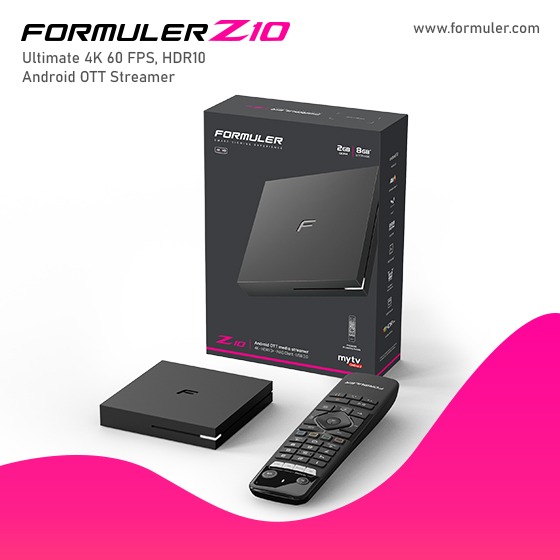
How do find a channel?- Formular Help Desk

To update the channel list on your Formuler Z10 Pro IPTV device, you typically need to follow these steps:
- Make sure your Formuler Z10 Pro is connected to the internet.
- Go to the settings menu on your device.
- Look for an option related to "Channel" or "IPTV" settings.
- Within the channel settings, you should find an option to update or refresh the channel list.
- Select the update or refresh option, and the device will attempt to update the channels from the IPTV provider or source.
The specific steps may vary slightly depending on the software version and user interface of your Formuler Z10 Pro device. It's recommended to consult the user manual or reach out to the manufacturer's support for detailed instructions on updating channels for your specific device.
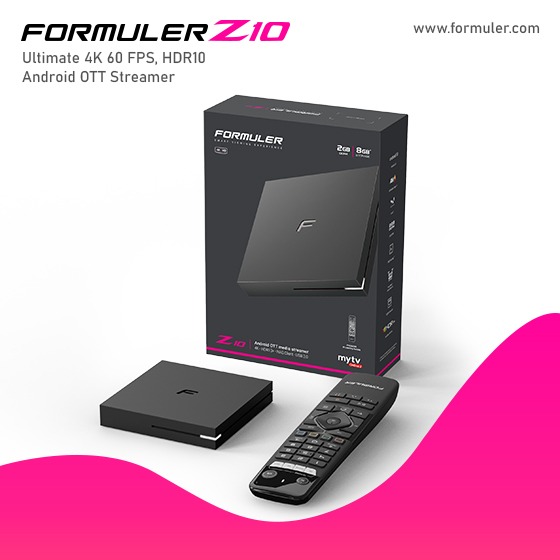
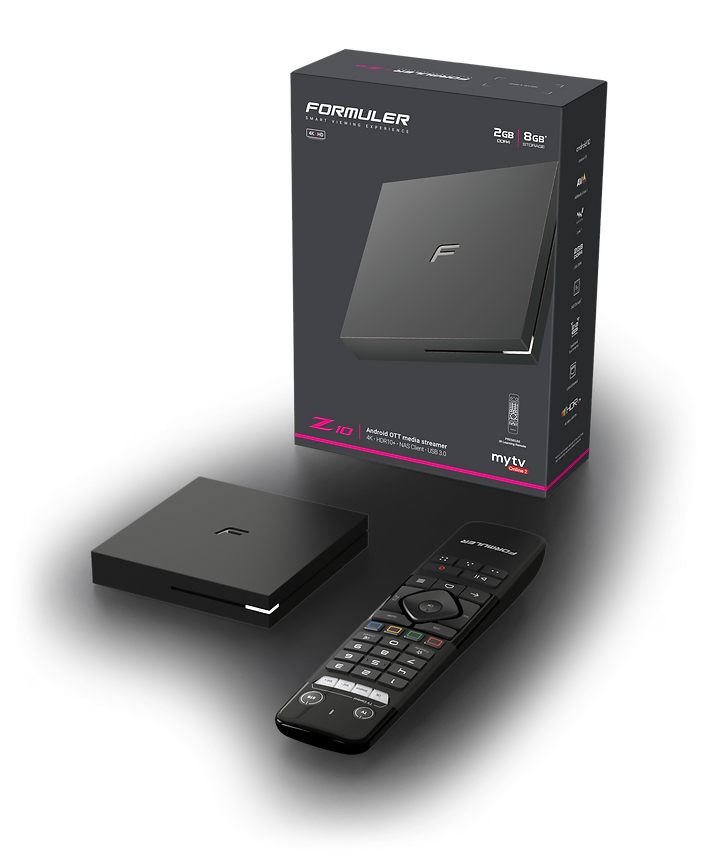
What's in the box 
Media Receiver
Remote Control
TV Cable
Remote Control Extender
Power adapter
Batteries
Quick Setup Guide
TECH SPECS

Specifications
Output Resolution: 4K (3840 x 2160)
CPU : RealTek RTD1319
GPU : ARM G31 MP2
RAM: 2GB DDR4 @2400MHz
Storage: 16GB eMMC
Operating System : Android 10
Networking
Wireless : Dual-Band 2x2 AC Wireless
BT : 5.0
Ethernet : 100M
Decoder
Video decoder : 4K@60fps, AV1, H.265(HEVC), AVS, H.264(AVC, MVC), Real, MPEG1/2/4, VC-1
Audio decoder : MPEG-1 Layer 1,2,3(2-CH), MPEG-2 Layer 1,2, HE AAC V1/V2
Support Language: Global
DRM : Widevine L1, L3
Dimensions
Length: 94mm
Width: 94mm
Thickness: 16mm
Color: Black
Ports
Power Input : 1
USB3.0 : 1
HDMI : 1
LAN : 1
Micro SD Card : 1
IR Extension : 1
Power input
Power rating : 12VDC / 1A
Power Consumption : Max. 12W
Standby Power : Max. 0.5W (Ultra low power)
Related Products
- Comment(s)




Recent Posts




