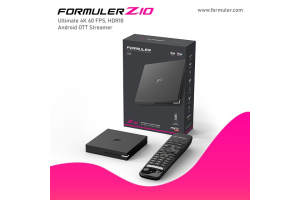
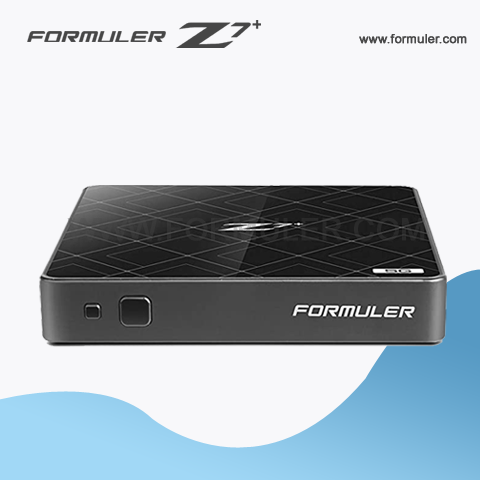
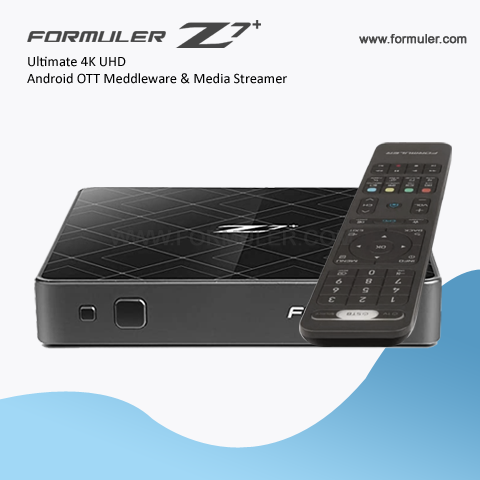
Formuler Z7 Plus - No Signal, Power Issues, and Boot Screen Stuck
Formuler Z7 Plus is a popular Android-based IPTV set-top box that allows you to stream your favorite TV shows, movies, and other content. However, like any other electronic device, it can encounter problems that may prevent it from functioning properly. Some of the most common issues that users face with their Formuler Z7 Plus include no signal, not turning on, or being stuck on the boot screen. Here are some steps you can take to troubleshoot these problems:
- Check your cables: Make sure that all cables are properly connected and not damaged. Check if the HDMI cable is properly connected to your TV or monitor. If your device is not turning on, make sure that the power cable is properly plugged into a power outlet and your device.
- Restart your device: If your device is stuck on the boot screen or not turning on, try restarting it. You can do this by unplugging it from the power source and plugging it back in after a few seconds. If your device is frozen, you can try pressing and holding the power button for 10-15 seconds until it restarts.
- Factory reset: If your device is still not functioning properly, you may need to perform a factory reset. This will erase all your data and settings, so make sure to back up any important information before proceeding. To factory reset your Formuler Z7 Plus, go to Settings > Backup & reset > Factory data reset.
- Update firmware: If the above steps do not resolve your issue, check if there is a firmware update available for your device. Go to Settings > Device Preferences > About > System Update to check for updates. Follow the instructions to download and install any available updates.
If you have tried all of the above steps and your Formuler Z7 Plus is still not functioning properly, you may need to contact Formuler support for further assistance.
Related Products
- Comment(s)
Recent Posts