
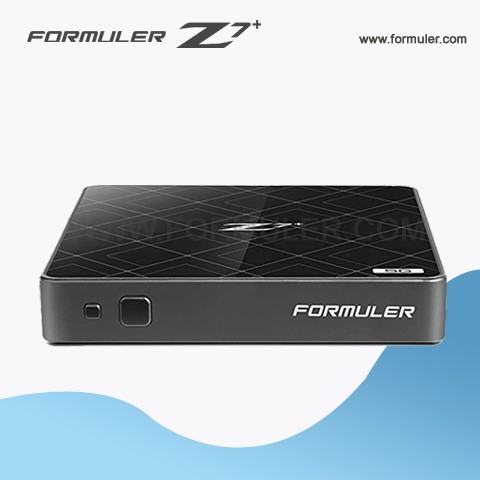
Troubleshooting Formuler Z7 Plus Audio & Video Issues
If you are experiencing audio or video issues on your Formuler Z7 Plus, there are several things you can try to troubleshoot the problem. - Check your connections: Make sure that all the cables are properly connected to your TV and the Formuler Z7 Plus. If you are using an HDMI cable, try unplugging and plugging it back in to ensure that it is properly seated.
- Check the resolution settings: Make sure that the resolution settings on your Formuler Z7 Plus are set to match the capabilities of your TV. You can adjust the resolution settings in the device's settings menu.
- Check for firmware updates: Make sure that your Formuler Z7 Plus is running the latest firmware. You can check for updates in the device's settings menu.
- Restart the device: Try restarting your Formuler Z7 Plus to see if that resolves the issue. To do this, unplug the power cord from the device, wait a few seconds, and then plug it back in.
- Reset the device: If none of the above steps work, you can try resetting your Formuler Z7 Plus to its factory settings. To do this, go to the device's settings menu and select "Factory Reset."
If you have tried all of these steps and are still experiencing audio or video issues on your Formuler Z7 Plus, it may be a hardware problem and you should contact Formuler's customer support for further assistance.
Recent Posts




