
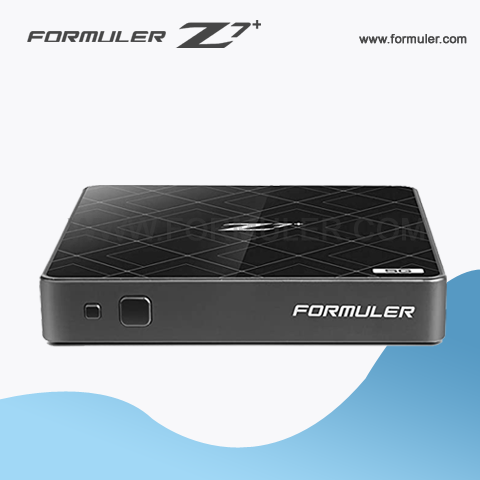
Troubleshooting Formuler Z7 Plus Buffering and Network Connectivity Issues
If you're experiencing buffering issues with your Formuler Z7 Plus, there are a few things you can try to resolve the issue:
- Check your internet connection: Make sure that your internet connection is strong and stable. You can try resetting your modem or router to see if that helps.
- Check your network settings: Make sure that your Formuler Z7 Plus is connected to your network properly. Check your network settings to make sure that everything is configured correctly.
- Adjust your video quality settings: If you're streaming video, try adjusting the video quality settings to a lower resolution. This will reduce the amount of data being streamed and can help with buffering issues.
- Close other apps: If you have other apps running on your Formuler Z7 Plus, try closing them. This can help to free up resources and improve performance.
If you're experiencing network connectivity issues with your Formuler Z7 Plus, there are a few things you can try to resolve the issue:
- Check your network connection: Make sure that your Formuler Z7 Plus is connected to your network properly. Check your network settings to make sure that everything is configured correctly.
- Restart your modem or router: Try resetting your modem or router to see if that helps.
- Check for firmware updates: Check to see if there are any firmware updates available for your Formuler Z7 Plus. Installing the latest firmware can help to resolve connectivity issues.
- Contact customer support: If none of the above steps work, contact customer support for further assistance. They may be able to help diagnose and resolve the issue.
Related Products
- Comment(s)





Recent Posts




