
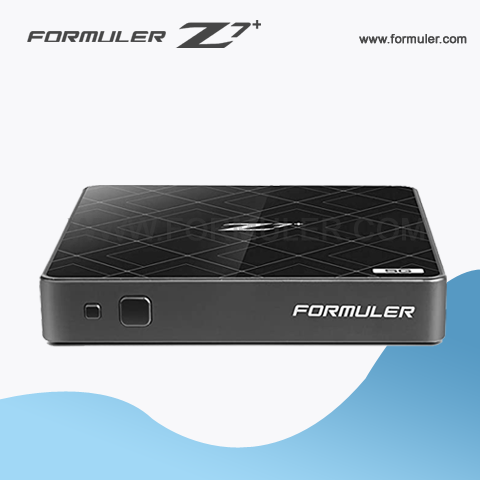
Formuler Z7+ Manual
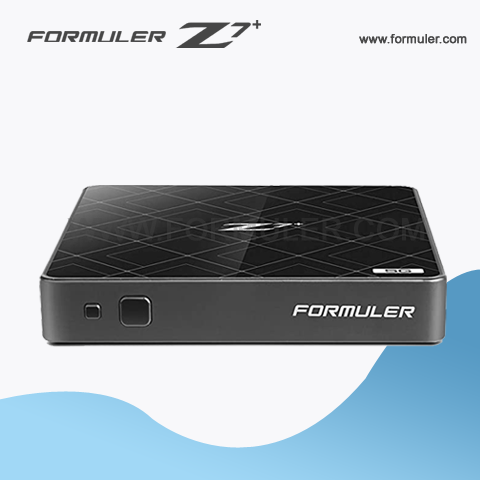
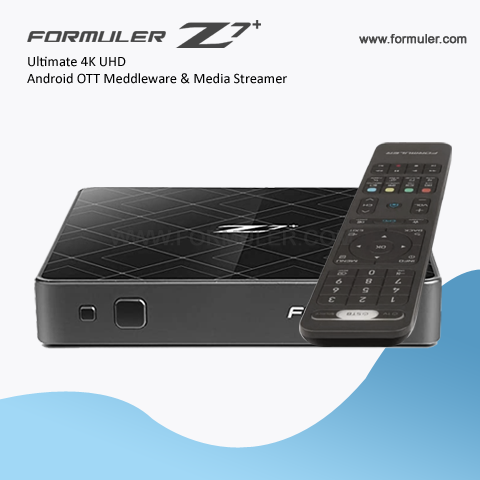
The Formuler Z7 Plus is a powerful IPTV set-top box that allows you to stream live TV and on-demand content. This owner's manual is designed to help you get started with your device and make the most of its features.
- Formuler Z7 Plus IPTV Box
- Remote Control
- Power Adapter
- HDMI Cable
- Quick Start Guide
To set up your device, follow these steps:
Step 1: Connect the HDMI cable from the Formuler Z7 Plus to your TV or monitor.
Step 2: Connect the power adapter to the Formuler Z7 Plus and plug it into a power outlet.
Step 3: Turn on your TV or monitor and select the HDMI input that the Formuler Z7 Plus is connected to.
Step 4: Follow the on-screen instructions to complete the setup process.
- Press the arrow buttons to navigate through the menus.
- Press the OK button to select an option.
- Press the back button to go back to the previous screen.
- Press the home button to go back to the home screen.
3. Connecting to the Internet: To use the Formuler Z7 Plus, you need to connect it to the internet. Here are the steps to follow:
Step 1: Connect the Formuler Z7 Plus to your router using an Ethernet cable.
Step 2: Go to the Settings menu and select Network.
Step 3: Select Ethernet and make sure it is enabled.
Step 4: Select Auto DHCP to obtain an IP address automatically.
Step 5: Once connected, you can access the internet and stream live TV and on-demand content.
- Use the EPG (Electronic Program Guide) to find your favorite TV shows and movies.
- Use the PVR (Personal Video Recorder) function to record your favorite TV shows and movies.
- Use the timeshift function to pause, rewind, and fast-forward live TV.
- Use the VOD (Video On Demand) function to access a wide range of movies and TV shows.
5. Troubleshooting: If you experience any issues with your Formuler Z7 Plus, here are some troubleshooting tips:
- Check the internet connection and make sure it is working properly.
- Make sure the HDMI cable is properly connected to the device and the TV or monitor.
- Try resetting the device by unplugging it from the power source for a few minutes and then plugging it back in.
- If the issue persists, contact customer support for further assistance.
The Formuler Z7 Plus is a powerful IPTV set-top box that offers a wide range of features and functions. With this owner's manual, you should be able to get started with your device and make the most of its features. If you have any questions or issues, don't hesitate to contact customer support for assistance.
Related Products
- Comment(s)




Recent Posts




