
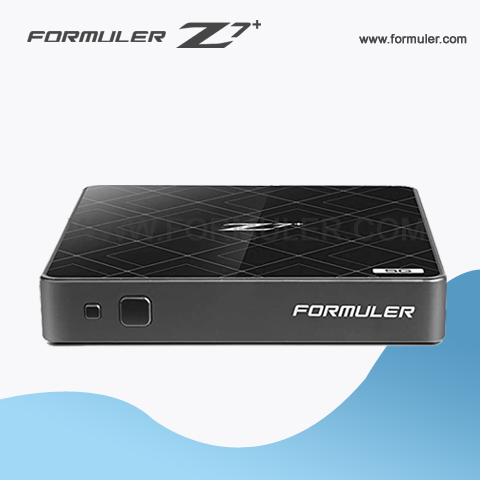
Formuler Z7 Plus Freezing Problems
If you're experiencing freezing issues with your Formuler Z7 Plus, there are several steps you can take to troubleshoot the problem. Here are some potential solutions:
- Restart the device: Sometimes, simply restarting the Formuler Z7 Plus can fix freezing issues. To do this, press and hold the power button on the device until the power menu appears, then select "Restart."
- Check your internet connection: Poor internet connectivity can cause freezing issues with your Formuler Z7 Plus. Make sure your device is connected to a stable and strong internet connection, and try restarting your router or modem.
- Clear cache and data: The Formuler Z7 Plus may freeze due to accumulated cache and data. To clear this, go to Settings > Storage & Reset > Internal Storage > Cached Data. Tap on "Clear Cache" and "Clear Data" to remove any unnecessary data.
- Check for software updates: Make sure your Formuler Z7 Plus is up to date with the latest software updates. To check for updates, go to Settings > About > System Update > Check for Updates.
- Disable unused apps: If you have many apps installed on your Formuler Z7 Plus, they may be causing the device to freeze. Disable any unused apps by going to Settings > Apps > Select the app > Disable.
- Factory reset: If all else fails, you may need to perform a factory reset to return your Formuler Z7 Plus to its default settings. To do this, go to Settings > Storage & Reset > Factory Data Reset > Reset Phone.
If none of these steps work, you may need to contact Formuler customer support for further assistance.
Related Products
- Comment(s)





Recent Posts




