
-
 Read more
Complete Guide to Setting Up the Formuler Z7 Plus Portal and App
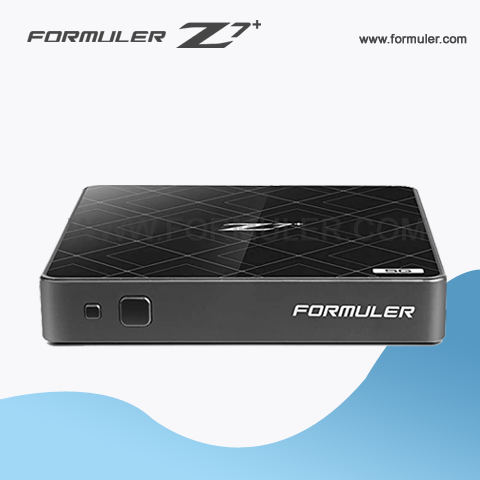
Formuler Z7 Plus is an IPTV set-top box that offers an extensive range of features, including portal setup and app setup. Here's a guide on how to set up the portal and app on your Formuler Z7 Plus.
Portal Setup:
- Turn on your Formuler Z7 Plus set-top box and wait for it to load.
- On the home screen, click on the "My TV" icon.
- From the menu, select "Portal" and click on "Portal URL."
- In the Portal URL field, enter the URL provided by your IPTV service provider.
- Click on "OK" to save the URL and exit.
- Your Formuler Z7 Plus will now load the IPTV service provider's
-
 Read more
Formuler Z7 Plus server setup
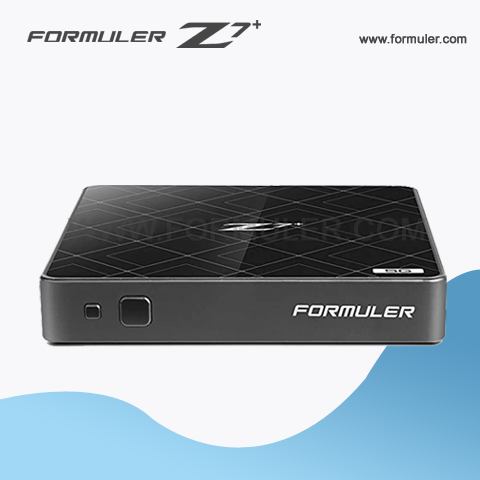
Setting up a server on your Formuler Z7 Plus device can give you access to a range of features that can enhance your streaming experience. Here are some steps to follow to set up a server on your Formuler Z7 Plus
- Open the Mytvonline app on your Formuler Z7 Plus device.
- Click on the "Settings" option in the men.
- Select "General Settings".
- Scroll down and select "Server Settings".
- Select "Enable server".
- Choose the type of server you want to use. You can choose from FTP, HTTP, or SMB.
- Enter your login credentials if necessary.
- Select the folders
-
 Read more
Formuler Z7 Plus WiFi setup

-
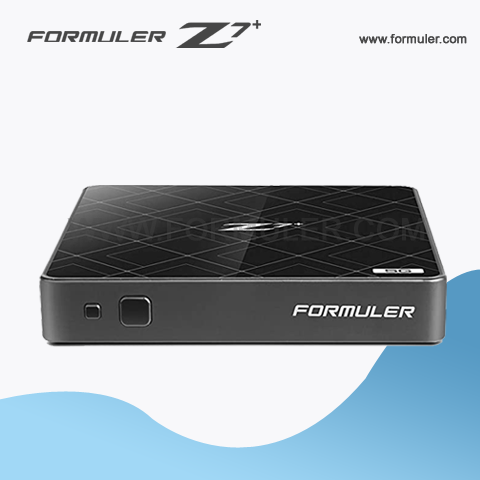
How to Set Up WiFi on Formuler Z7 Plus: A Step-by-Step Guide Are you having trouble setting up WiFi on your Formuler Z7 Plus? Don't worry, we've got you covered. In this article, we'll walk you through the steps to connect your device to WiFi and enjoy your favorite shows and movies.
- Formuler Z7 Plus WiFi Troubleshooting: Common Issues and Fixes Is your Formuler Z7 Plus not connecting to WiFi? Are you experiencing slow or intermittent connection? In this article, we'll discuss some of the most common WiFi issues on Formuler Z7 Plus and provide solutions to fix them.
- The Benefits of Using WiFi on Formuler Z7 Plus WiFi is a convenient and
-
-
 Read more
Formuler Z7 Plus Network Setup
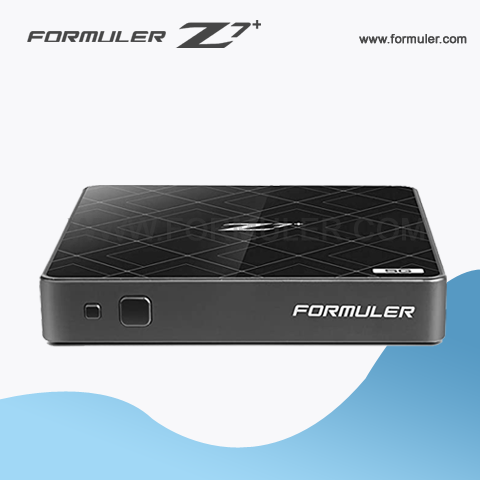
The Formuler Z7 Plus is a popular IPTV set-top box that allows users to stream their favorite TV shows and movies from various sources. To get started, you will need to set up your network connection on the device. Here is a step-by-step guide to help you with the Formuler Z7 Plus network setup process:
- Connect the Formuler Z7 Plus to your TV via an HDMI cable and plug it in.
- Turn on your TV and select the appropriate HDMI input that the Formuler Z7 Plus is connected to.
- Press the home button on the remote control to access the main menu.
- Select the settings icon and go to the Network & Wi-Fi section.
- In the Network & Wi-Fi section, select Wired or Wi-Fi, depending on how you want to connect your device to the internet.
- If you choose Wired, simply connect an Ethernet cable from your router or modem
-
 Read more
Formuler Z7+ Manual
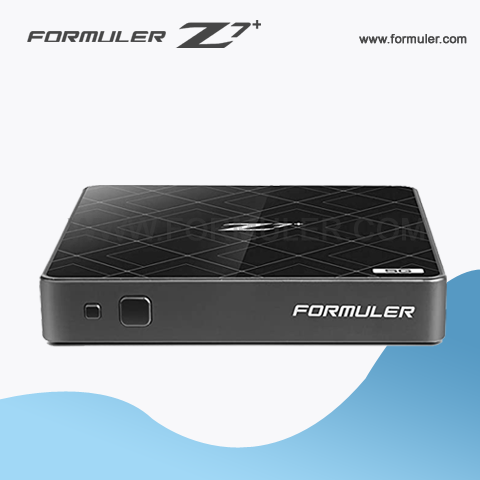
The Formuler Z7 Plus is a powerful IPTV set-top box that allows you to stream live TV and on-demand content. This owner's manual is designed to help you get started with your device and make the most of its features.
1. Unpacking and Setup: When you receive your Formuler Z7 Plus, you will find the following items in the box:
- Formuler Z7 Plus IPTV Box
- Remote Control
- Power Adapter
- HDMI Cable
- Quick Start Guide
To set up your device, follow these steps:
Step 1: Connect the HDMI cable from the Formuler Z7 Plus
-
 Read more
Formuler Z7+ Instructions
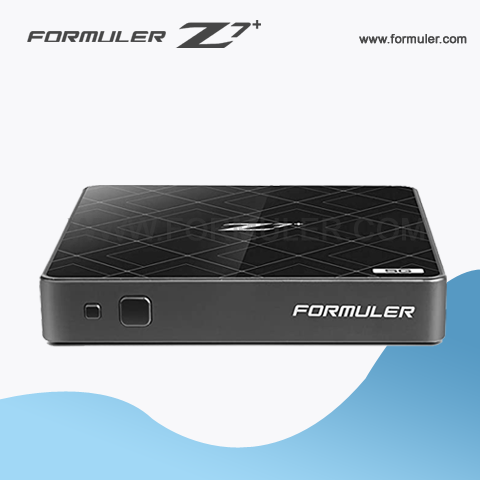
- Use the Electronic Program Guide (EPG) The EPG is a useful feature that allows you to see what's currently playing on a channel, as well as what's coming up. To access the EPG, simply press the EPG button on your remote control while watching live TV. You can use the arrow keys to navigate through the guide and select a program to watch.
- Add and Manage Favorites You can add your favorite channels to the Favorites list for quick and easy access. To add a channel to the Favorites list, simply navigate to the channel and press the FAV button on your remote control. To manage your Favorites list, go to Settings > TV > Channel Manager > Favorites.
- Record Live TV The Formuler
-
 Read more
Formuler Z7+ Manual Instructions
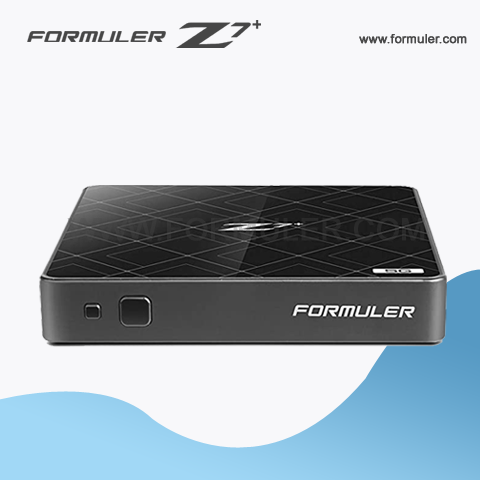
Formuler Z7 Plus is an advanced IPTV set-top box that enables you to stream live TV channels, on-demand movies, TV shows, and much more. In this tutorial, we will guide you through the basic setup process and instructions for using your Formuler Z7 Plus.
Setting Up Your Formuler Z7 Plus
Step 1: Unbox Your Formuler Z7 Plus Unpack your Formuler Z7 Plus and check the contents of the box. You should have the Formuler Z7 Plus set-top box, a power adapter, a remote control, an HDMI cable, and a user manual.
Step 2: Connect the Formuler Z7 Plus to Your TV Connect one end of the HDMI cable to the Formuler Z7 Plus set-top box and the other end to your TV. Then, connect the power adapter to the Formuler Z7
-
 Read more
Formuler Z7+ Video and Audio Output
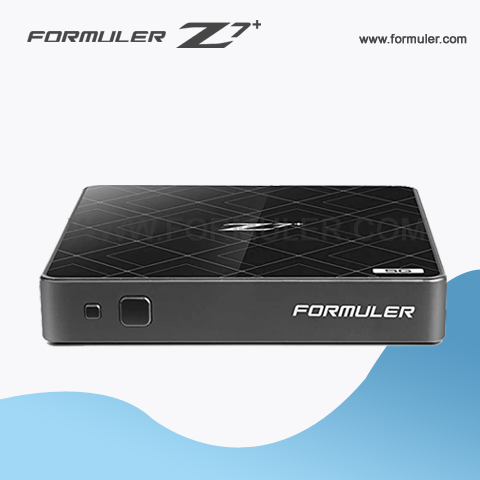
The Formuler Z7+ is a popular IPTV set-top box that provides users with high-quality video and audio output. It supports up to 4K Ultra HD resolution, providing users with stunning visuals that are crisp, clear, and detailed. Additionally, it offers a variety of audio output options, including Dolby Digital Plus and DTS Surround Sound, for an immersive viewing experience. With its powerful hardware and versatile features, the Formuler Z7+ is an excellent choice for anyone looking to enhance their TV viewing experience.
-
 Read more
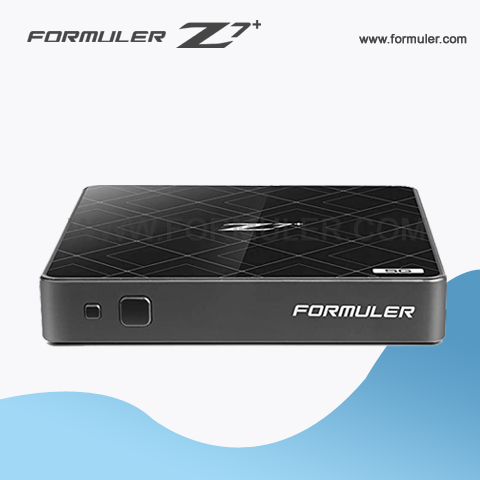
Formuler Z7 Plus Specifications
- Dimensions: 105mm x 105mm x 22mm
- Weight: 165g
- Processor: Hisilicon Quad-core 64-bit
- RAM: 2GB DDR4
- Storage: 8GB eMMC
Formuler Z7+ Dimensions
The Formuler Z7 Plus is a powerful
-
 Read more
Formuler Z7+ Specifications
Hardware Specifications:
- Processor: Quad-core Cortex A7 1.5Ghz
- Graphics Processor: Mali 450
- RAM: 2GB DDR3
- Storage: 8GB eMMC
- Wi-Fi: Dual-band 2.4Ghz/5.0Ghz
- Ethernet: 10/100M
- Video Output: HDMI 2.0a
- Audio Output: S/PDIF
Software Specifications:
- Operating System: Android 7.0 Nougat
- User Interface: MyTVOnline 2
- Video Decoding: 4K HDR, H.265/HEVC, H.264, MPEG2, MPEG4, VC-1, AVS+
- Audio Decoding: MPEG-1/2, MP3, AAC-LC, HE AAC V1/V2, APE, FLAC, WAV
- Middleware Supported: Stalker, M3U, Xtream-Codes, MyTVOnline
- Additional Features: PVR recording, Timeshift, EPG, 3D VoD, DLNA, AirSync
Recent Posts




