
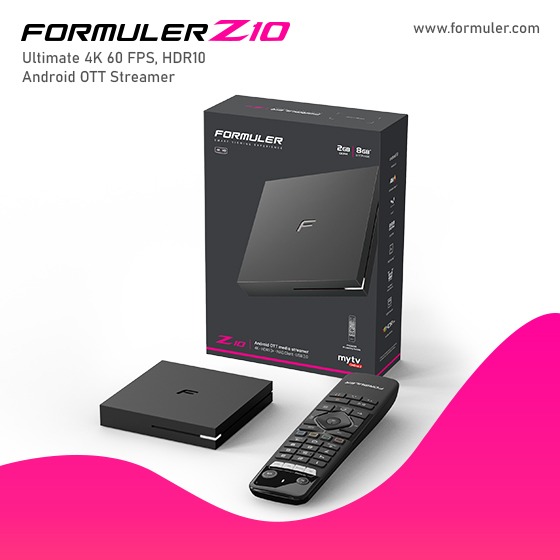
Formuler Z10 Pro in Canada - App Update and Management Guide

Formuler Z10 Pro is a powerful IPTV streaming device that allows users to access a wide range of applications for entertainment and media consumption. It offers various features, including app updates, an app list, and app management options. Here's an overview of each feature:
- Go to the settings menu on the Formuler Z10 Pro.
- Navigate to the "App Updates" or "Software Update" section.
- Check for available updates.
- If updates are available, select the apps you want to update and proceed with the installation.
2. Formuler Z10 Pro App List: The Formuler Z10 Pro provides an app list that displays all the installed applications on the device. This list allows users to easily access and launch their preferred apps. The app list can typically be found in the main menu or home screen of the Formuler Z10 Pro. It provides a convenient way to organize and access various applications available on the device.
3. Formuler Z10 Pro App Management: App management on the Formuler Z10 Pro enables users to control and customize their app experience. This feature includes options such as app installation, removal, and organization. Here are some common app management tasks:
- App Installation: Users can download and install new applications on the Formuler Z10 Pro through the device's app store or by sideloading APK files.
- App Removal: Users can uninstall unwanted or unused applications from the Formuler Z10 Pro. This helps free up storage space and declutter the device.
- App Organization: The Formuler Z10 Pro allows users to organize their apps by creating folders, arranging them in a preferred order, or categorizing them based on their preferences.
By utilizing the app update, app list, and app management features on the Formuler Z10 Pro, users can enhance their streaming experience, stay up-to-date with the latest app versions, and tailor their app selection to their liking.
Related Products
- Comment(s)




Recent Posts




