
-
 Read more
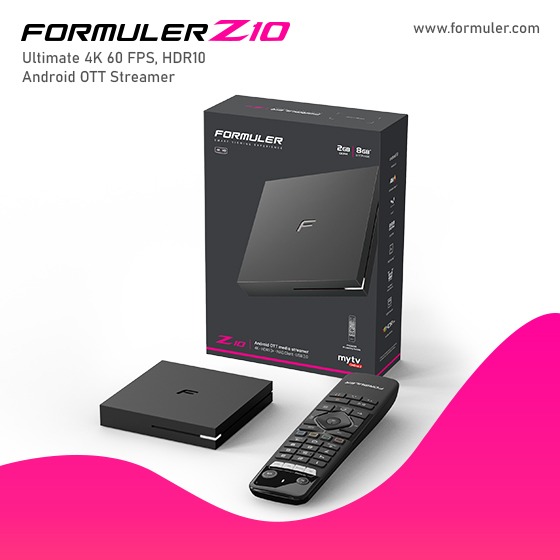
Formuler Z10 Pro in Canada - App Update and Management Guide

Formuler Z10 Pro is a powerful IPTV streaming device that allows users to access a wide range of applications for entertainment and media consumption. It offers various features, including app updates, an app list, and app management options. Here's an overview of each feature:
1. Formuler Z10 Pro App Update: The Formuler Z10 Pro supports regular app updates to ensure that users have access to the latest features, bug fixes, and security enhancements. App updates typically include improvements to performance, user interface, and compatibility with new content providers. To update apps on the Formuler Z10 Pro, follow these steps:
-
 Read more
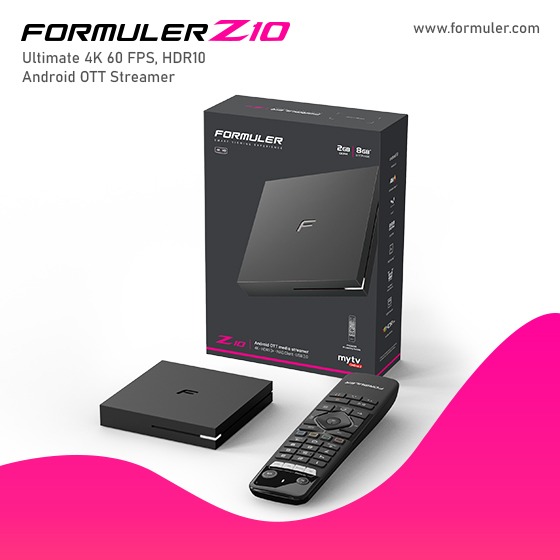
Formuler Z10 Pro App Installation and Settings New 2K23
To install apps on the Formuler Z10 Pro and adjust the app settings, follow the instructions- Turn on your Formuler Z10 Pro and ensure it is connected to the internet.
- On the home screen, navigate to the "MyTvOnline 2" app and launch it. This is the default app for IPTV on the Formuler Z10 Pro.
- To install additional apps, go to the "Market" section within the MyTvOnline 2 app. Here, you'll find a selection of apps available for download.
- Browse through the available apps and select the one you want to install.
-
 Read more
Formuler Z10 Pro App Store in canada - Downloading Apps and Ensuring Compatibility
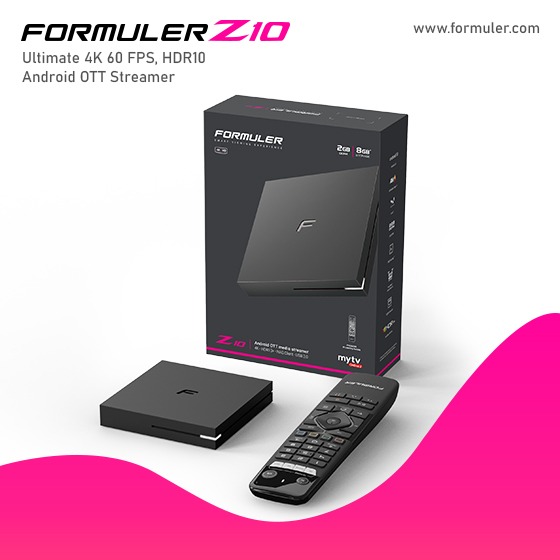
Formuler Z10 Pro App Store: Discover a World of AppsLooking to enhance your Formuler Z10 Pro experience? Look no further! The Formuler Z10 Pro comes equipped with its very own app store, providing you with a wide range of exciting applications to explore. Whether you're seeking entertainment, productivity, or utility, the Formuler Z10 Pro app store has got you covered!
Explore and Download Apps Effortlessly
With the Formuler Z10 Pro's user-friendly interface, finding and downloading your favorite apps has never been easier. Simply navigate to the app store, browse
-
 Read more
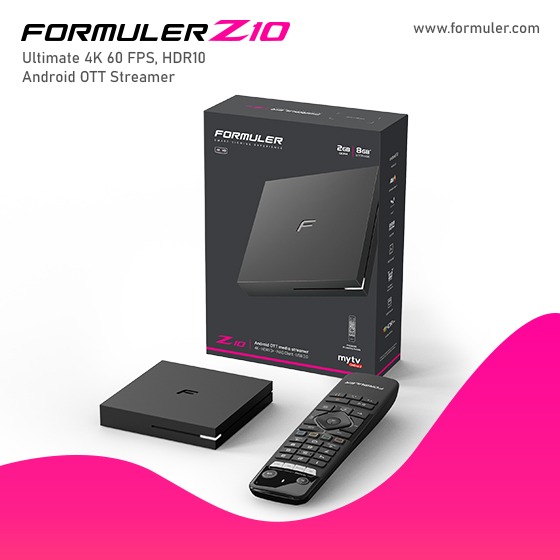
How do find a channel?- Formular Help Desk
To update the channel list on your Formuler Z10 Pro IPTV device, you typically need to follow these steps:- Make sure your Formuler Z10 Pro is connected to the internet.
- Go to the settings menu on your device.
- Look for an option related to "Channel" or "IPTV" settings.
- Within the channel settings, you should find an option to update or refresh the channel list.
- Select the update or refresh option, and the device will attempt to update the channels from the IPTV provider or source.
-
 Read more
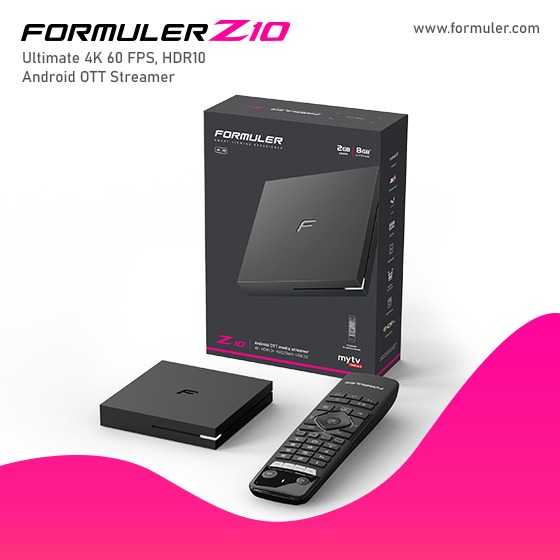
Formuler Z10 Pro Channel Editor, Scanning, and Settings Guide 2K23
The Formuler Z10 Pro is an Android-based IPTV set-top box that offers various features for managing channels
- Formuler Z10 Pro Channel Editor: The Formuler Z10 Pro provides a channel editor that allows you to organize and customize your channel list. With the channel editor, you can rename channels, create favorite lists, delete channels, and arrange the channel order according to your preferences. This feature gives you control over the layout and organization of your channels.
- Formuler Z10 Pro Channel Scan: The channel scan feature on the Formuler Z10 Pro enables you
-
 Read more
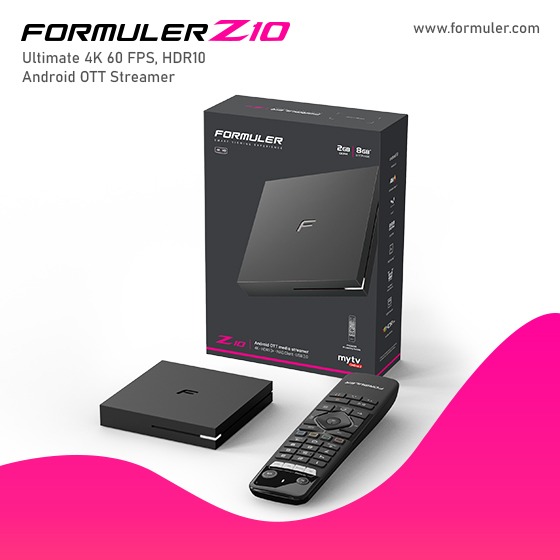
Formuler Z10 Pro IPTV Top Providers and Setup Instructions

The Formuler Z10 Pro IPTV guide and popular IPTV providers
Formuler Z10 Pro IPTV Guide: The Formuler Z10 Pro is a powerful IPTV set-top box that offers a wide range of features and functionalities. It runs on the Android operating system and provides a user-friendly interface for accessing and streaming IPTV content. The device supports various IPTV applications and allows you to watch live TV, on-demand movies and shows, and other multimedia content through IPTV services.
To set up the Formuler Z10 Pro for IPTV, follow these general steps:
- Connect the device to your TV using an HDMI cable.
-
 Read more
Formuler Z10 Pro The Perfect IPTV App and Box for Seamless Recording!
The Formuler Z10 Pro is an IPTV (Internet Protocol Television) device that offers various features for streaming and recording content. Here's an overview of the Formuler Z10 Pro IPTV app, the IPTV box itself, and its recording capabilities:- Formuler Z10 Pro IPTV App: The Formuler Z10 Pro comes with a pre-installed IPTV app that provides a user-friendly interface for accessing and enjoying IPTV services. The app allows you to stream live television channels, on-demand content, and catch-up TV, all delivered over an IP network.
With -
 Read more
Formuler Z10 Pro IPTV Setup, Subscriptions, and Channel Options 2k23
To set up your Formuler Z10 Pro for IPTV, follow these steps:- Connect your Formuler Z10 Pro to your TV using an HDMI cable.
- Connect the Formuler Z10 Pro to your home network using either an Ethernet cable or Wi-Fi.
- Power on the Formuler Z10 Pro and wait for it to boot up.
- On your TV, select the appropriate HDMI input to view the Formuler Z10 Pro interface.
- Follow the on-screen instructions to complete the initial setup process, including selecting your language and connecting to your Wi-Fi network (if using Wi-Fi).
- Once the setup
-
 Read more
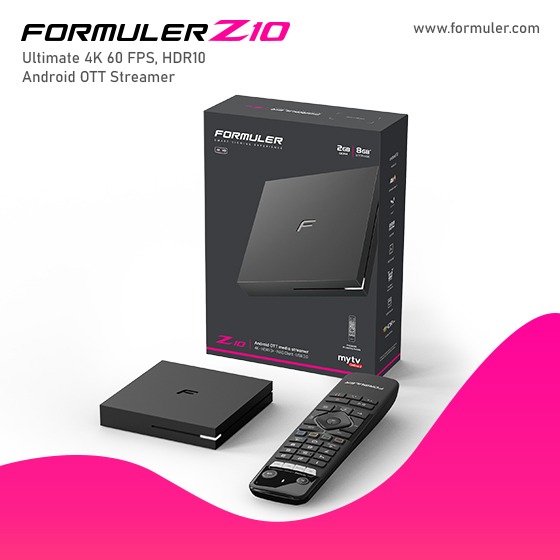
Formuler Z10 Pro Latest Firmware Update and Download Guide
Formuler Z10 Pro Latest Firmware Update
When connected to an HDR10+ TV and used with appropriate material, the Formuler Z10 family of devices can now broadcast HDR10+. Additionally, Z10-series devices now support System-wide AFR (Auto-Framerate) when used with suitable third-party apps. This Firmware update also contains crucial solutions for video judder issues and decoder difficulties for the Z10.
A variety of functions are available on the Formuler Z10 Pro IPTV set-top box for a complete entertainment session. Its Features include:
- Powerful
-
 Read more
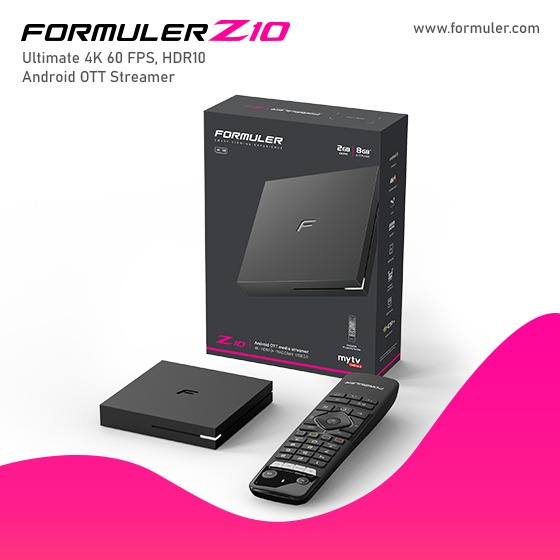
Formuler Z10 Pro Firmware Update New 2023
To perform a factory reset on the Formuler Z10 Pro and update its firmware, follow the instructions below:Formuler Z10 Pro Factory Reset:
- Start by powering on your Formuler Z10 Pro device.
- On your remote control, press the "Menu" button.
- Navigate to "Settings" and select it.
- From the settings menu, find and select "System."
- Within the System settings, locate the "Factory Reset" option and select it.
- A confirmation message will appear on the screen. Confirm your
Recent Posts




